
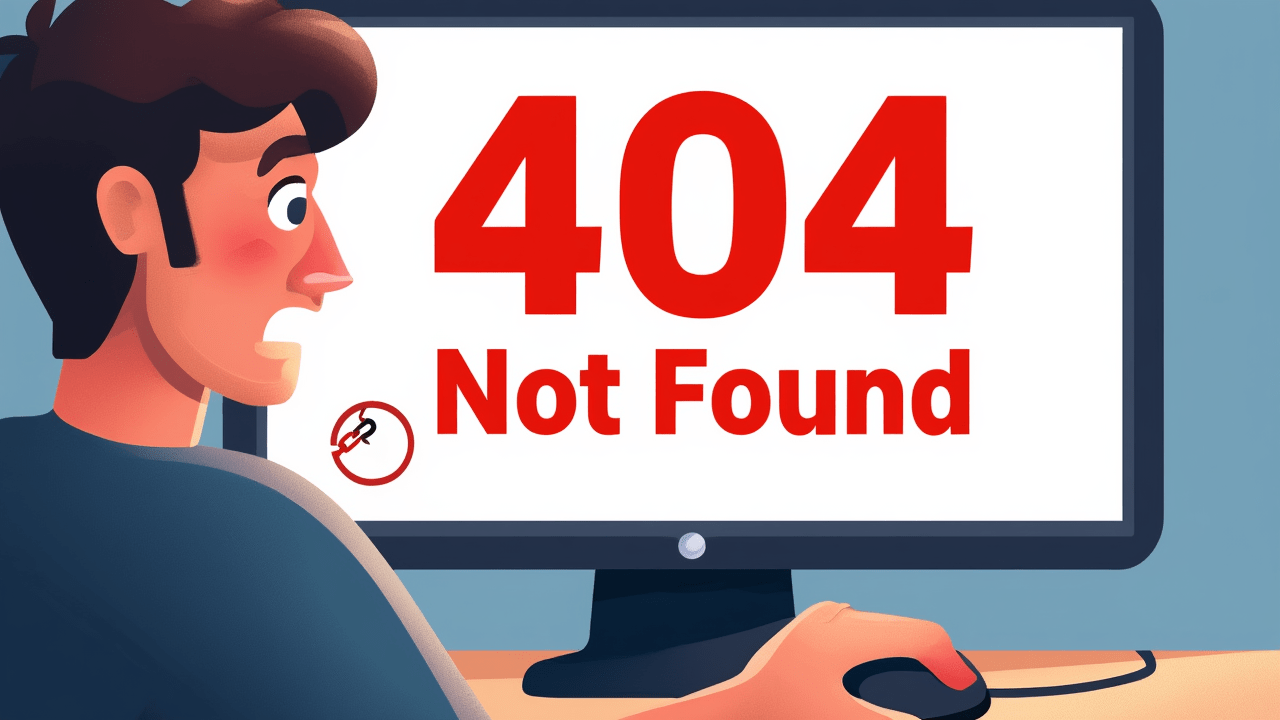
Ever been browsing the internet, excitedly clicking on a link, only to be met with a frustrating, ‘404 Not Found’ message? It’s like hitting a brick wall, right? But what exactly is a 404 error, and why does it keep popping up?
Think of your web browser as a detective, asking a website’s server for a specific piece of information, let’s say a ‘web page’. When you see ‘404 Not Found’, it means the server, the website’s ‘librarian’, has searched its entire collection and, well, couldn’t find the page you asked for. The resource simply isn’t there, at that specific address.
So, why does this happen? Usually, it’s one of a few reasons. Maybe you, or someone else, made a typo in the web address. Or, perhaps the page you were looking for was deleted, or moved to a new location, and the old link wasn’t updated. Sometimes, it’s a broken link on another website trying to send you to a non-existent page.
Don’t panic! When you encounter a 404, try these quick fixes: First, carefully check the URL for any typos. Second, refresh the page; sometimes it’s just a temporary glitch. Third, try navigating back to the website’s homepage and searching for what you need. Or, simply use a search engine to find the correct page.
It’s important to understand that a 404 isn’t necessarily the website being down . It means the server responded to your request, but said, ‘Hey, I looked, and that specific thing you asked for isn’t here anymore, or never was at this address.’ It’s a very specific message about a missing resource.
So next time you see ‘404 Not Found’, you’ll know exactly what’s going on! It’s just the internet’s way of saying, ‘Oops, that page isn’t here right now.’ A little understanding goes a long way in navigating the web smoothly. Thanks for watching!