
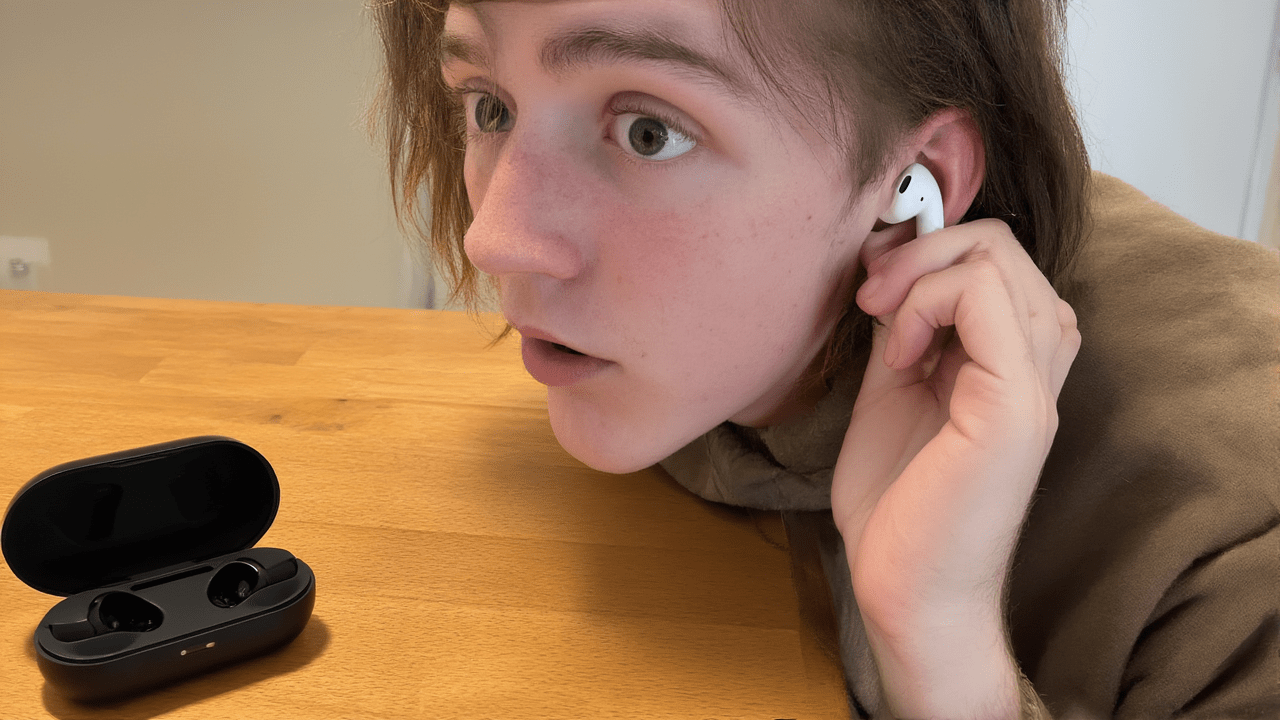
Have you ever experienced that frustrating moment when only one of your AirPods seems to be working? You’re ready to enjoy your music or a call, and then, silence from one side. Why does this happen, and what can you do about it? Let’s find out!
The simplest reason is often the battery. Believe it or not, one AirPod might just be out of juice while the other is fully charged! Always check your battery levels for both AirPods in the charging case or on your device.
Sometimes, it’s all about the connection. Bluetooth can be a bit quirky. Try putting both AirPods back in their case, closing it for a few seconds, and then opening it again. If that doesn’t work, forget your AirPods from your device’s Bluetooth settings and then reconnect them. It’s like a mini-reset!
Dust, lint, or earwax can accumulate on the charging contacts, preventing one AirPod from charging properly, even when it’s in the case. Give those contacts, both on your AirPods and inside the case, a gentle, dry clean with a cotton swab or a soft brush.
And sometimes, it’s just a setting! Check your device’s audio accessibility settings. There might be an audio balance slider accidentally moved all the way to one side, effectively silencing the other AirPod. Just slide it back to the middle!
So, before you panic and think your AirPod is broken, remember to check the battery, reset the Bluetooth connection, clean the contacts, and check your audio balance. Most of the time, one of these simple fixes will get both your AirPods working perfectly again. Enjoy your seamless audio experience!