
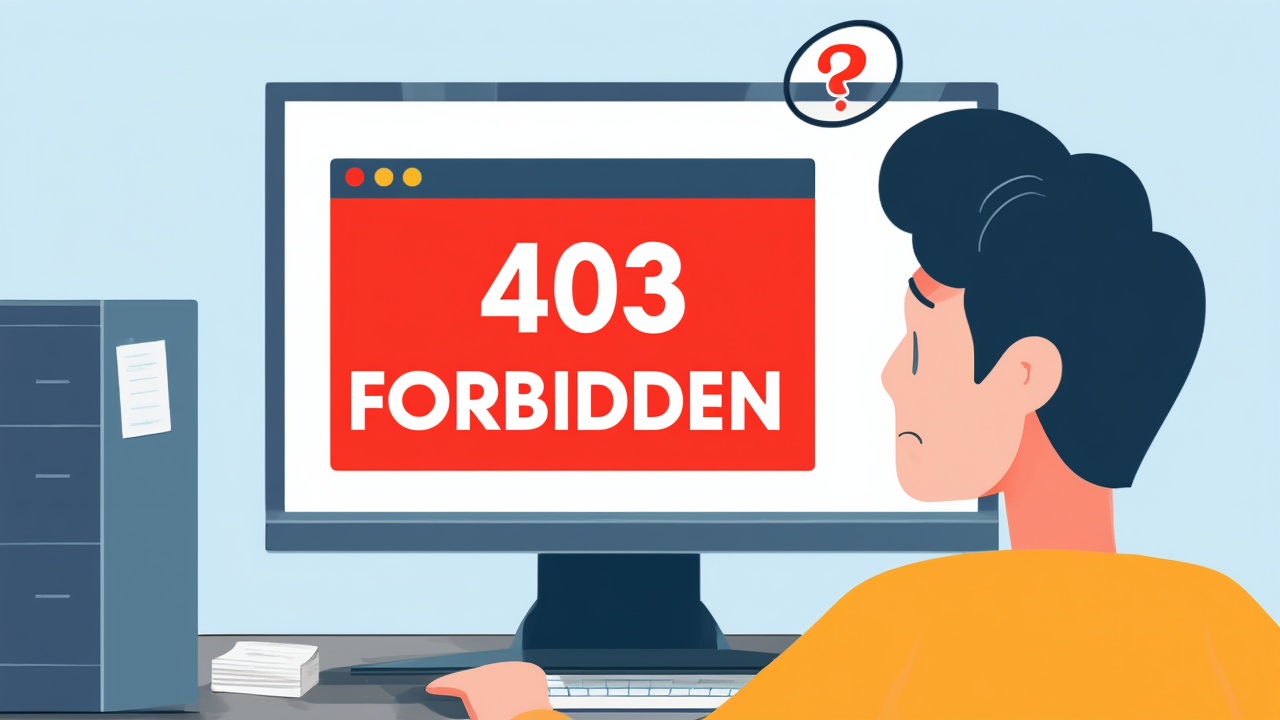
Ever tried to visit a website and been met with a puzzling “403 Forbidden” message? It’s like a bouncer at a club saying, “Sorry, you’re not on the list!”
Essentially, a 403 Forbidden error means the web server understands your request, but for some reason, it’s refusing to fulfill it. It’s telling you, “You don’t have permission to access this resource.”
So, why does this happen? Well, there are a few common culprits. Sometimes, you might be trying to access a page that requires a login, and you either haven’t logged in, or your credentials are incorrect. Other times, the website might have specific IP address restrictions, blocking access from certain locations. Or, it could be an issue with the server’s file permissions, where the website owner hasn’t granted public access to that specific file or directory.
What can you do when you encounter it? First, double-check the URL for any typos. Sometimes, a simple mistake is all it takes. Next, try clearing your browser’s cache and cookies, as old data can sometimes cause conflicts. If neither of those works, your best bet is to contact the website’s administrator. They can look into the server-side permissions and resolve the issue.
So, the next time you see a 403 Forbidden error, you’ll know it’s not a broken link, but rather a digital doorman politely, or not so politely, telling you that you don’t have the necessary clearance. Now you’re in the know!